
- Developer
- Chess.com
- Installs
- 100M+
- Downloads
- 2
- Views
- 7
- Updated
- Oct 16, 2026
Screenshots
About Chess - Play and Learn Online
A Chess App for Every Level
This app brings chess to your phone in a way that works for beginners and for experienced players. You can play against real people, practice against the computer, solve puzzles or follow lessons. Everything sits in one place so you can move between playing and learning without leaving the app.
Playing Against People
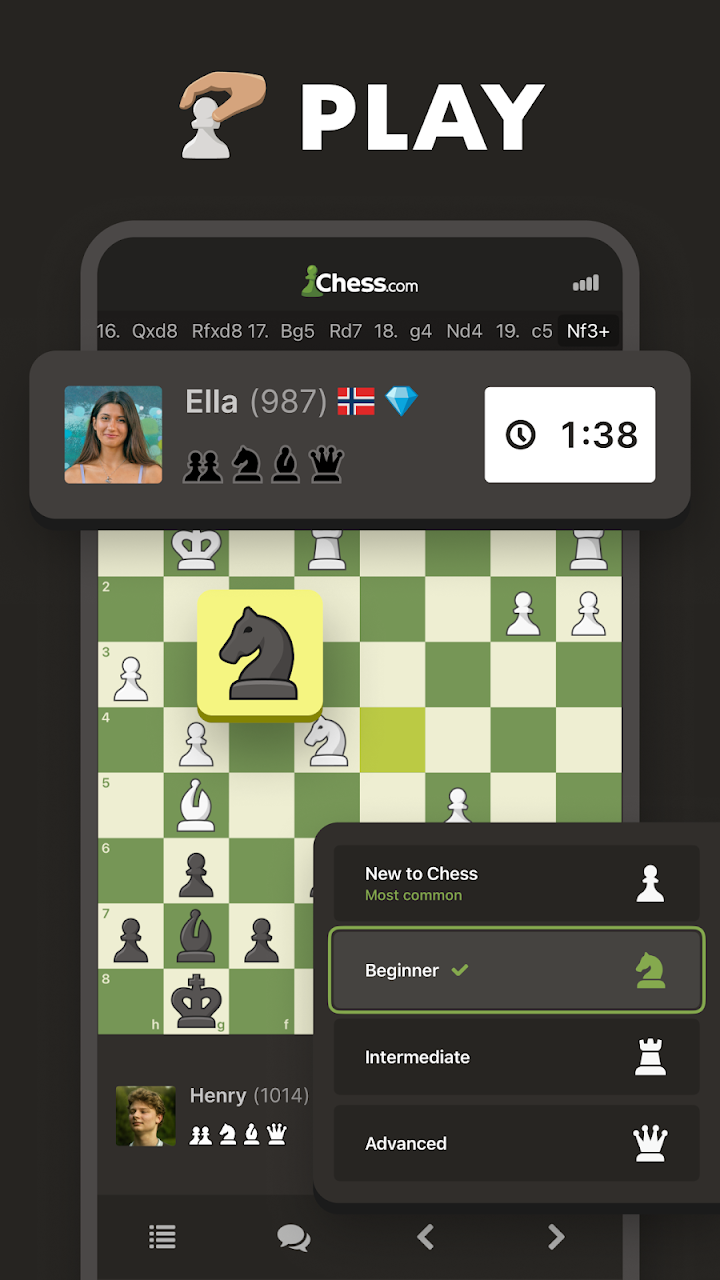
Online matches can be played with friends or with other players around the world. The two player mode with friends is free to use. Games can be set to different time limits that range from one minute up to thirty minutes or more. If you prefer a slower pace you can play daily games where each move can wait until later. Tournaments are also available for players who like organised competition.
Chess Variants
Besides standard chess the app supports other ways to play. Chess960 shuffles the starting position of the pieces. Blitz and bullet are fast formats played against a short clock. Puzzle Rush, Puzzle Battle and blindfold chess are available as well for players who want something different.
Puzzles
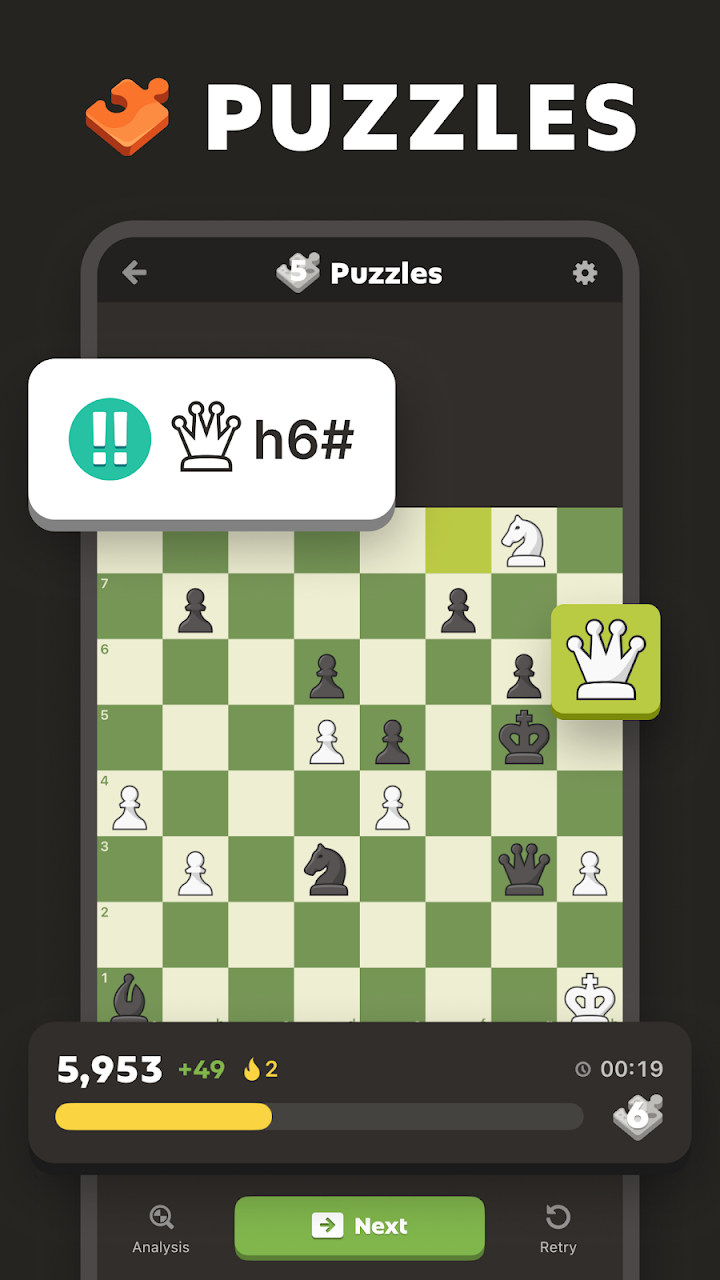
The puzzle section holds more than five hundred thousand puzzles. In rated mode the difficulty adjusts to how well you solve them. Puzzle Rush gives you a timer and asks you to beat your own best score. You can also practise by theme, such as checkmate in one move, forks, skewers, sacrifices and endgames.
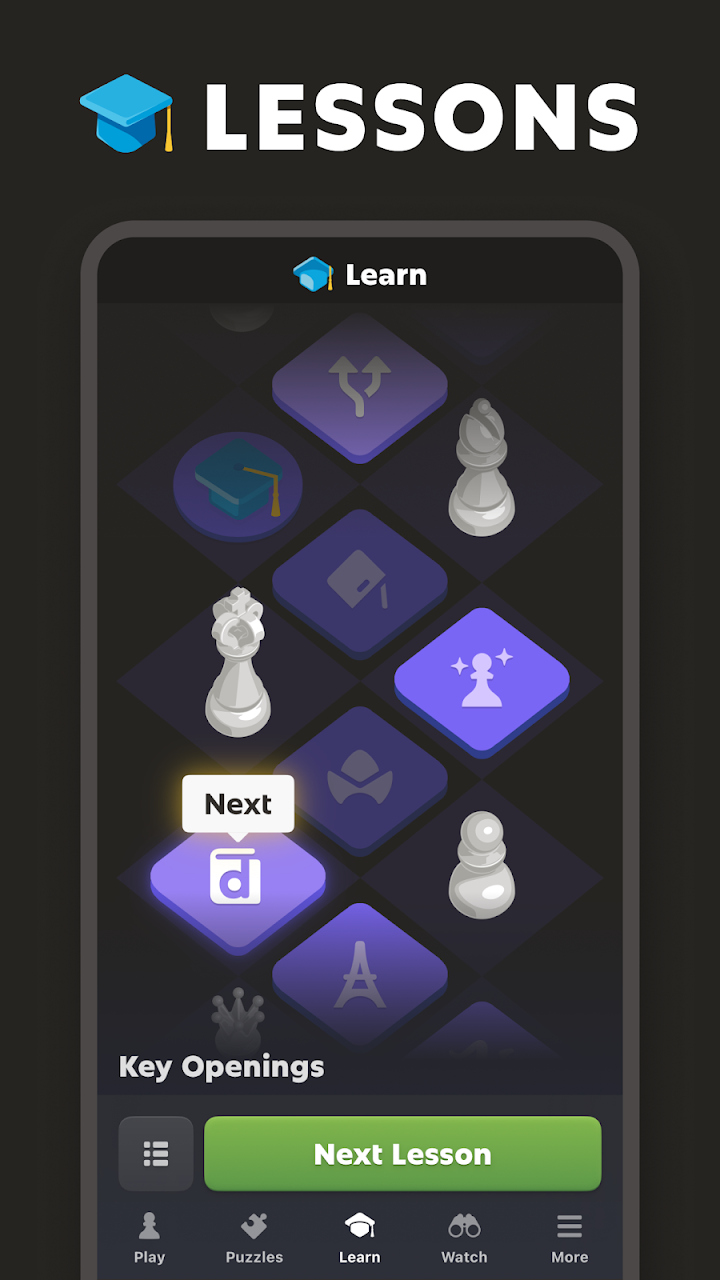
Lessons and Coaching
Lessons are made by chess masters and include videos and interactive tutorials. A step by step plan covers rules, tactics, openings and endgames. The coach feature helps you review a finished game and see where a move could have been better. You can also play a game with the coach and receive hints while you play.
Playing Against the Computer
More than one hundred computer opponents are available at different strengths. You can pick the level you want and set a clock. Games against the computer work offline, and you can analyse them afterwards to understand your mistakes.
Community, Stats and Customisation
Players receive a rating and can compare themselves on leaderboards. The app keeps statistics for your games, puzzles and lessons so you can track progress. Articles from coaches explain openings such as the Queen’s Gambit and the Sicilian Defense. The board can be changed with over twenty themes and three dimensional pieces.
Download Information
Details such as the version, size and developer are listed on this page. The download button takes you to the official store page where you can install the app.
A Simple Path for New Players
- Start with the basic lessons to learn how each piece moves.
- Play a few games against a low level computer opponent to get comfortable.
- Try easy puzzles to practise spotting simple tactics.
- Move to online games with friends once you feel confident.
- Review your finished games and study the openings you use most.
Chess Terms Explained
- Blitz
- A fast game where each player has only a few minutes in total.
- Bullet
- An even faster format where each player usually has one minute.
- Chess960
- A version where the back row pieces start in a random order.
- Blindfold chess
- A style where the pieces are hidden so you must remember the position.
- Rating
- A number that shows your playing strength compared with other players.
- Puzzle Rush
- A timed challenge where you solve as many puzzles as you can.
What to Expect
This is a large app with many sections, so the first visit can feel busy. Take your time and explore one area at a time. Players who only want a quick casual game may not use every feature, while those who enjoy learning will find plenty to work through.
Installing the App
Use the Download button on this page to open the official store listing. Install it from there and sign in or create a profile if the app asks. Some features such as lessons or extra content may need an account or a paid plan, so check the details on the official page before you begin.